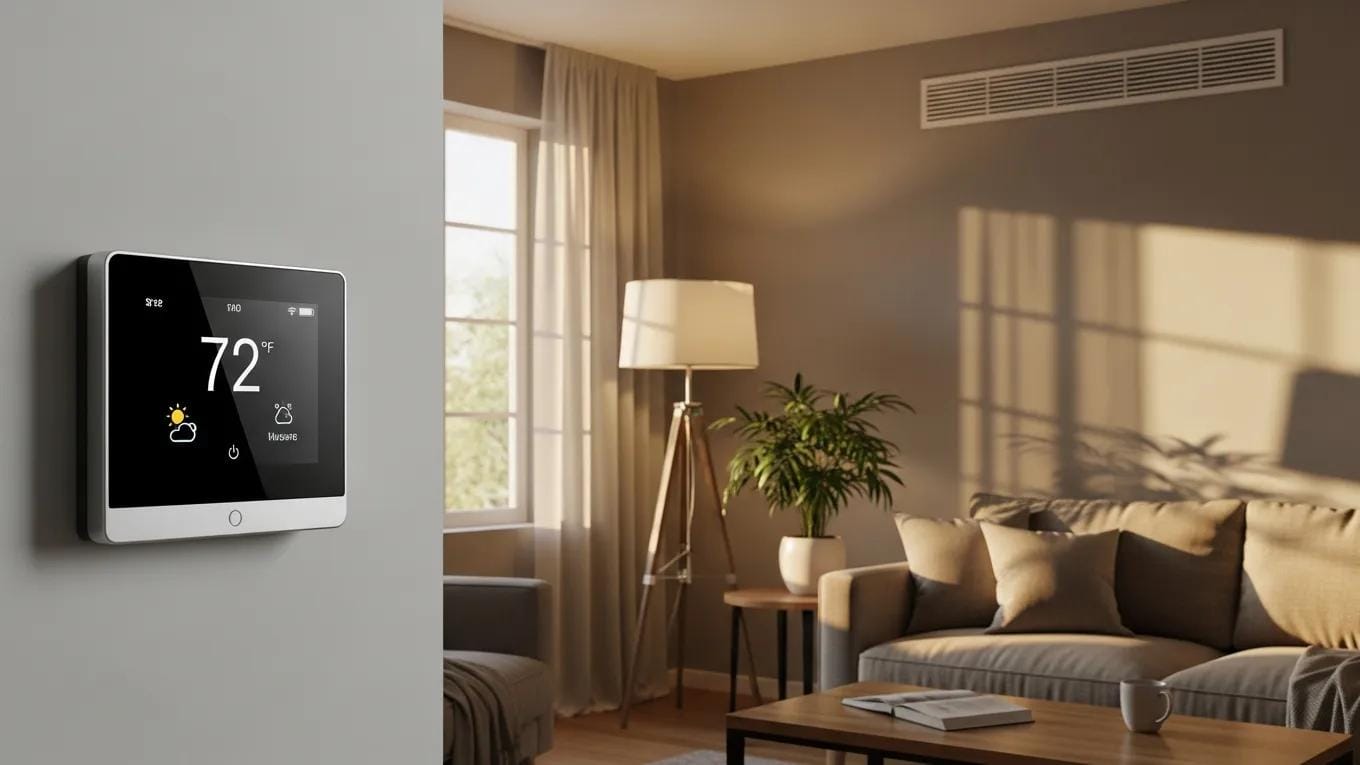
When your home suddenly feels too hot or too cold, the thermostat is often the first place to check. A blank display, incorrect temperature readings, or an HVAC system that won’t turn on doesn’t always mean you need a major repair.
In many cases, the problem comes down to a simple malfunction that can be identified and resolved in just a few steps. If your thermostat isn’t working, understanding the most common causes can save you time, frustration, and unnecessary service calls.
From dead batteries and incorrect settings to wiring issues and sensor problems, several minor faults can affect how your heating and cooling system operates.
This guide walks through the most common thermostat malfunctions and practical fixes to help restore comfort and determine when it’s time to call a professional.
Easy Fixes for a Thermostat Not Working at Home
Troubleshooting and Repair Guide for Common Thermostat Malfunctions
If your thermostat not working issue suddenly leaves your home too hot or too cold, don’t assume the thermostat itself has failed. Many problems are caused by simple issues such as dead batteries, incorrect settings, or loose electrical connections.
Working through a few basic checks can often restore normal operation and help you determine whether the problem is something you can fix yourself or if it’s time to call an HVAC professional.
Check the Power Supply and Basic Connections
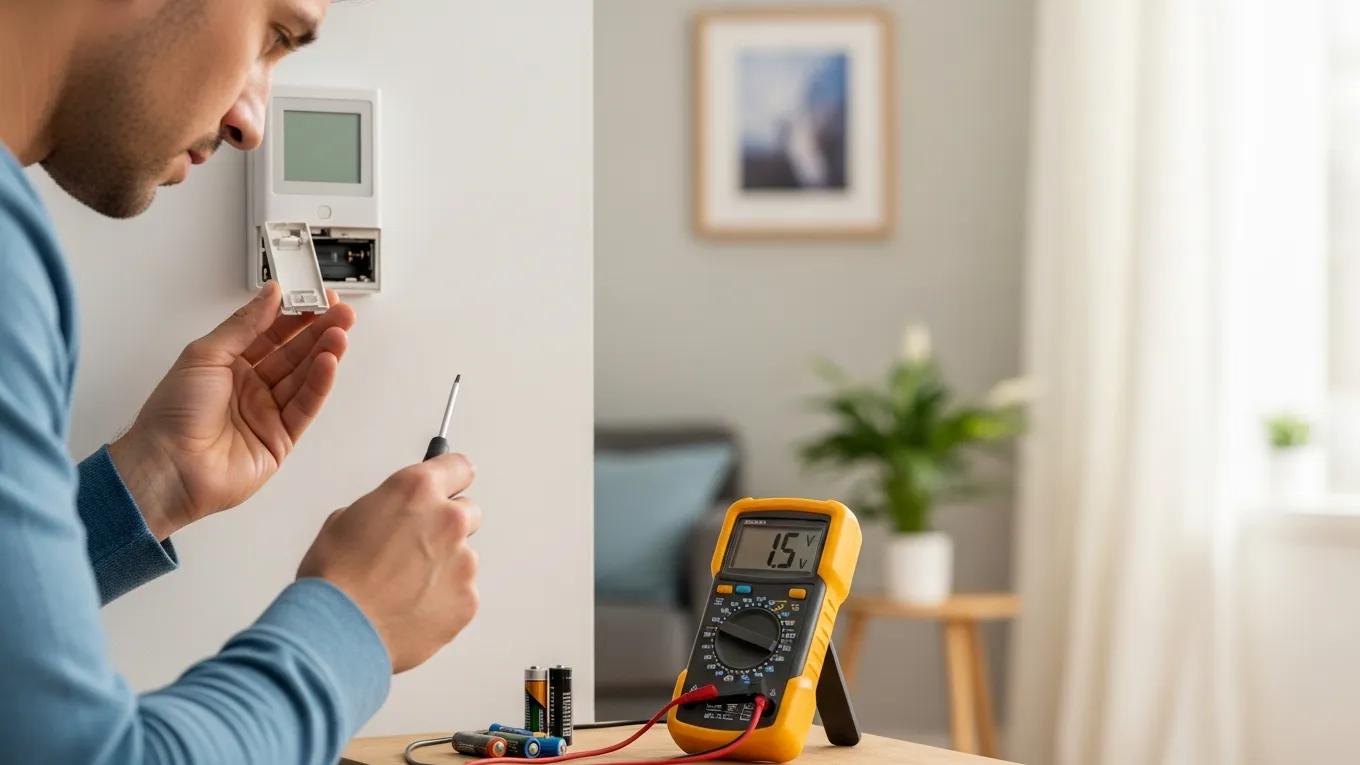
One of the most common reasons a thermostat stops responding is a loss of power. If your thermostat uses batteries, replace them with fresh ones before trying anything else. For hardwired models, check that the HVAC system’s circuit breaker hasn’t tripped and that power is reaching the unit.
It’s also worth removing the thermostat cover and inspecting the wiring for loose, disconnected, or damaged wires. Even a single loose connection can prevent the thermostat from communicating with your heating and cooling system.
If you notice damaged wiring or signs of overheating, avoid attempting repairs unless you’re comfortable working with electrical components.
Verify Temperature Accuracy and Calibration
If the display is working but the room never seems to reach the temperature you’ve selected, the thermostat may not be reading the room correctly.
Place a reliable thermometer near the thermostat and compare the readings after they’ve had time to stabilize. A noticeable difference may indicate that the thermostat needs recalibration or replacement.
Location also plays an important role in temperature accuracy. A thermostat installed near sunny windows, exterior doors, air vents, or kitchens can receive false temperature readings, causing the HVAC system to cycle too often or not often enough.
Test the Heating, Cooling, and Fan Settings
A thermostat that powers on but doesn’t control the HVAC system properly should be tested in each operating mode. Switch from heating to cooling and allow several minutes for the system to respond. Then test the fan by changing it between the “Auto” and “On” settings to verify that it operates correctly.
Listen for unusual sounds from the furnace, air handler, or outdoor unit while testing. If the thermostat appears to be sending the correct commands but the equipment doesn’t respond, the issue may lie within the HVAC system rather than the thermostat itself.
Inspect Wiring Before Assuming the Thermostat Has Failed
If your thermostat not working problem continues after checking the power and settings, wiring should be inspected more closely. Loose terminal screws, corroded wire ends, or damaged insulation can interrupt communication between the thermostat and your HVAC equipment.
Because thermostat wiring carries low voltage, minor inspections are generally straightforward. However, if you’re uncertain about identifying wires or making repairs safely, it’s best to leave the work to a qualified technician.
When Does It Make Sense to Upgrade Your Thermostat?
Sometimes the most practical solution is replacing an older thermostat instead of repeatedly repairing it.
Modern programmable and smart thermostats offer more accurate temperature control, energy-saving schedules, remote access through smartphone apps, and system performance alerts that many older models lack.
If your existing thermostat is outdated, frequently loses its settings, or struggles to maintain consistent temperatures, upgrading can improve both comfort and HVAC efficiency while reducing unnecessary energy use.
When Should You Call an HVAC Professional?
Some thermostat issues extend beyond simple troubleshooting. If you’ve confirmed that the thermostat has power, verified the settings, replaced the batteries, and inspected the wiring, yet the system still doesn’t operate correctly, it’s time for a professional diagnosis.
Recurring problems, damaged wiring, electrical concerns, or HVAC equipment that fails to respond despite a functioning thermostat often require specialized testing.
An experienced technician can determine whether the problem is the thermostat itself, the HVAC control board, wiring, or another system component, ensuring the issue is repaired the first time correctly.
Understanding the Different Types of Thermostats
Not all thermostats operate the same way, and knowing which type you have can make troubleshooting much easier.
If your thermostat not working issue requires a replacement, understanding the differences between available models can also help you choose one that’s compatible with your HVAC system and your home’s comfort needs.
Mechanical Thermostats
Mechanical thermostats are the simplest type available. They rely on internal components, such as a bimetallic strip, to detect changes in room temperature and activate the heating or cooling system.
Because they have fewer electronic parts, they’re generally reliable and inexpensive, but they’re also less accurate than newer models. Many homeowners with older HVAC systems still use mechanical thermostats because of their straightforward design.
Digital Thermostats
Digital thermostats improve on traditional models by providing more precise temperature control and an easy-to-read display. Many include programmable schedules that allow you to automatically adjust temperatures throughout the day, helping improve comfort while reducing energy use.
If you’re experiencing a thermostat not working problem with a digital model, the cause is often related to low batteries, incorrect programming, or power interruptions rather than a complete system failure.
Smart Thermostats
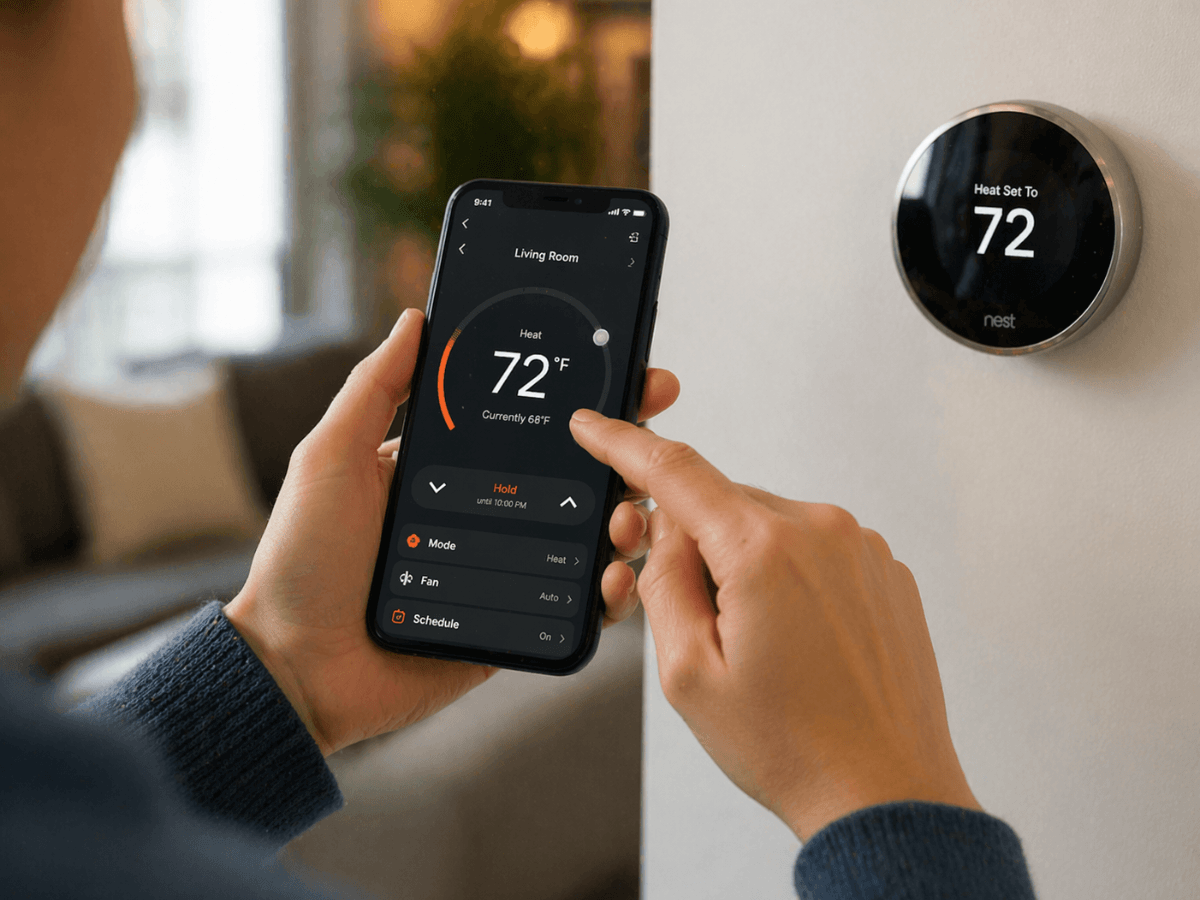
Smart thermostats offer the most advanced features. Connected through Wi-Fi, they can be controlled remotely using a smartphone, tablet, or voice assistant. Many models also learn your daily routine, automatically adjusting temperatures to improve efficiency without sacrificing comfort.
In addition to convenience, smart thermostats often provide maintenance reminders, energy usage reports, and system alerts that can help identify HVAC issues before they become major problems.
While they require a compatible HVAC system and a stable internet connection to take full advantage of these features, they can be an excellent long-term investment for homeowners looking to improve energy efficiency.
Which Thermostat Is Right for Your Home?
The best thermostat depends on your HVAC system, lifestyle, and budget. Mechanical models offer simplicity and reliability, digital thermostats strike a balance between affordability and functionality, and smart thermostats provide the highest level of automation and energy management.
If you’re replacing an older unit because your thermostat not working issue can’t be resolved, selecting a compatible model with features that match your household’s needs can improve both comfort and system performance for years to come.
Common Thermostat Malfunctions and Their Warning Signs
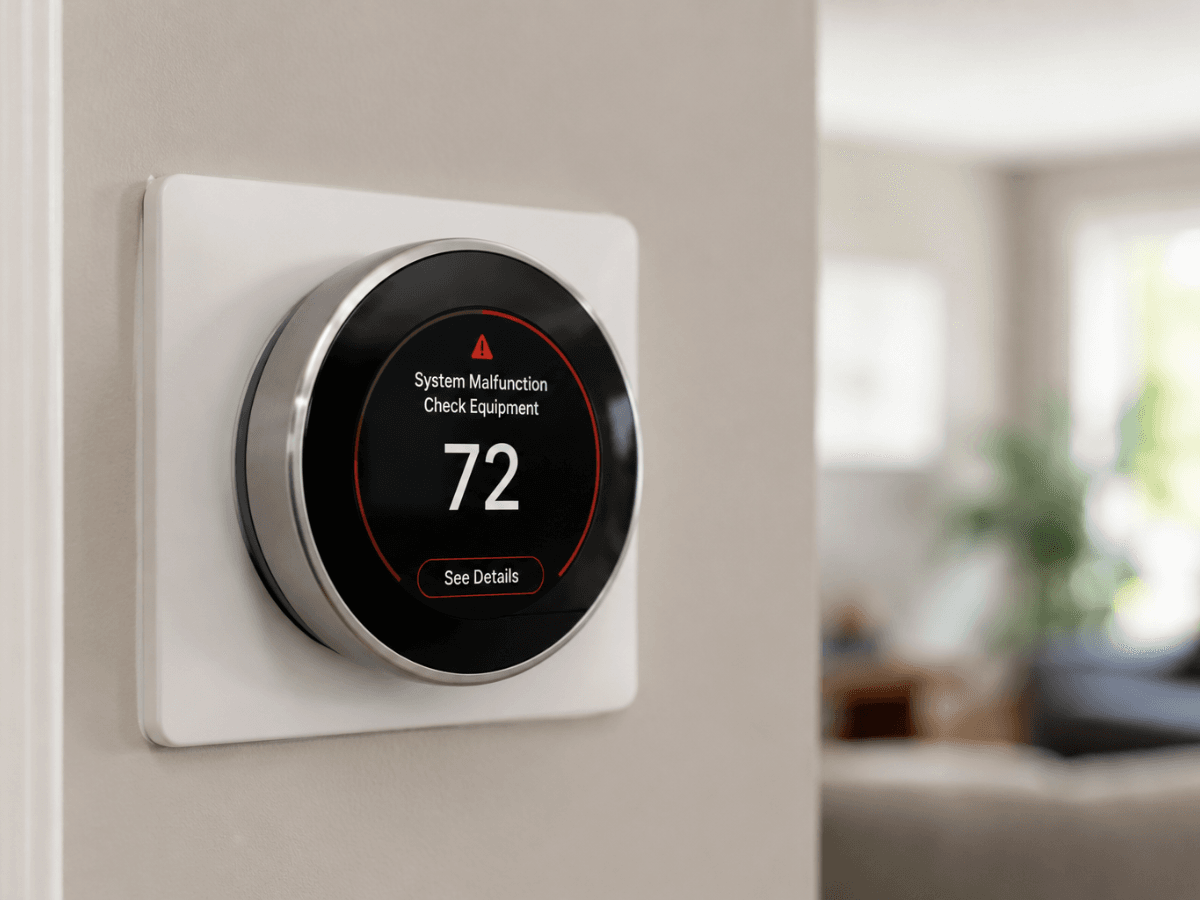
A thermostat rarely fails without giving some warning. Whether your HVAC system won’t turn on, runs constantly, or struggles to maintain a comfortable temperature, the symptoms often point toward a specific type of malfunction.
Learning to recognize these signs can help you determine whether the issue is with the thermostat itself or another part of your heating and cooling system.
What Are the Most Common Thermostat Malfunctions and Their Symptoms?
When a thermostat isn’t working properly, the symptoms can vary depending on the underlying problem. One of the most common complaints is that the HVAC system doesn’t respond at all, leaving the home without heating or cooling.
In other cases, the system may run continuously, cycle on and off too frequently, or stop before reaching the desired temperature.
A thermostat not working correctly may also display inaccurate room temperatures, fail to hold programmed settings, or have a blank or flickering screen.
While some of these symptoms are caused by the thermostat itself, others can indicate issues with wiring, power supply, or the HVAC equipment it controls.
Paying attention to when the problem occurs can also provide valuable clues. For example, a thermostat that only malfunctions during heating mode may point to a different issue than one that affects both heating and cooling.
Why Does My Thermostat Cause No Heating or No Cooling?
One of the most frustrating situations homeowners encounter is a thermostat that appears to be functioning normally but doesn’t activate the HVAC system. If the display is on and the settings appear correct, the problem may be related to communication between the thermostat and the furnace or air conditioner.
Power interruptions, disconnected wiring, incorrect operating modes, tripped circuit breakers, or safety switches within the HVAC equipment can all prevent the system from responding.
In some cases, the thermostat may simply be calling for heating or cooling that the equipment is unable to provide because of a separate mechanical problem.
This is why it’s important to view the thermostat as one component of a larger HVAC system rather than assuming it’s always the source of the malfunction.
What Causes Thermostat Display Issues and Sensor Malfunctions?
Display problems are often among the easiest symptoms to recognize. A blank screen may indicate dead batteries, a loss of electrical power, or an internal electronic failure. Flickering displays or unresponsive buttons can also signal aging components or inconsistent power delivery.
Temperature sensor issues are more subtle but can have a significant impact on comfort. If the thermostat’s sensor is reading the room incorrectly, the HVAC system may shut off too early, run longer than necessary, or maintain temperatures that don’t match the settings on the display.
The thermostat’s location can also affect sensor performance. Units installed near windows, supply vents, exterior doors, or direct sunlight may register temperatures that don’t accurately reflect the rest of the home.
If your thermostat not working issue involves inconsistent temperatures from room to room, both the sensor and its placement should be considered before replacing the unit.
How Can You Diagnose Thermostat Problems Effectively?
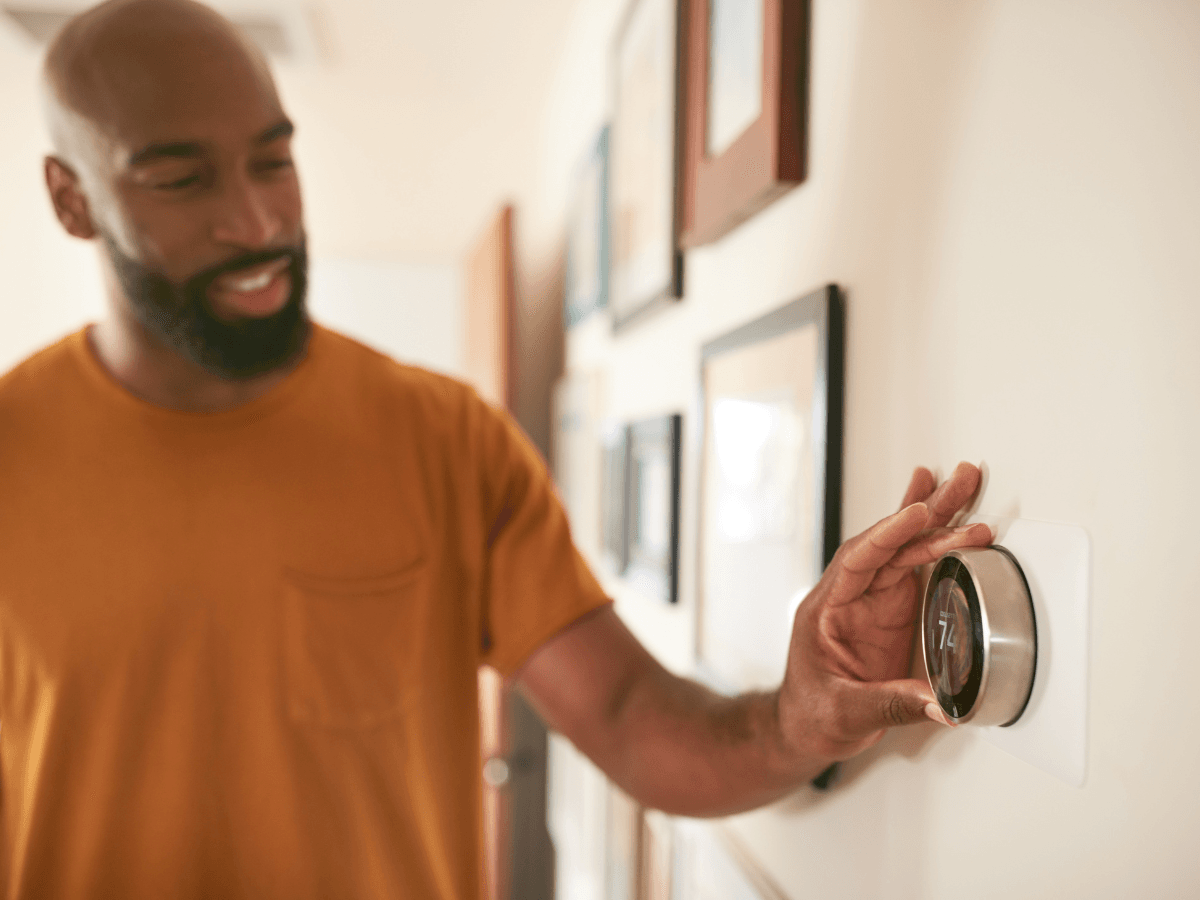
When your thermostat not working disrupts your home’s comfort, the key is to diagnose the problem methodically rather than assuming the thermostat has failed.
Many thermostat issues are actually caused by power interruptions, HVAC equipment problems, or incorrect settings. Taking a few minutes to narrow down the source can save both time and unnecessary repair costs.
Start With the Most Obvious Checks
Begin by confirming that the thermostat is receiving power. If the display is blank, check the batteries on battery-operated models and verify that the HVAC system’s circuit breaker hasn’t tripped.
If the display is active, confirm that the thermostat is set to the correct operating mode and that the temperature setting is appropriate for the season.
These simple checks often resolve problems that appear more serious than they actually are.
Compare the Displayed Temperature
If your HVAC system is running but the home never feels comfortable, verify that the thermostat is reading the room correctly. Place a reliable thermometer near the thermostat and compare the two readings after they’ve stabilized for several minutes.
A significant difference may indicate a calibration issue, a faulty temperature sensor, or poor thermostat placement. Direct sunlight, nearby air vents, kitchens, and exterior doors can all affect temperature readings and cause the system to cycle incorrectly.
Inspect the Thermostat and HVAC Connections
Next, perform a visual inspection of the thermostat and the surrounding area. Look for loose wiring, damaged terminals, dust buildup, or signs of corrosion that could interfere with communication between the thermostat and the HVAC system.
If the thermostat appears to be functioning normally but the furnace or air conditioner doesn’t respond, the issue may lie elsewhere in the HVAC system. Problems with control boards, safety switches, or other components can produce symptoms that resemble a thermostat failure.
Determine Whether the Problem Is the Thermostat or the HVAC System
One of the most effective diagnostic strategies is to consider the entire heating and cooling system rather than focusing only on the thermostat.
Ask yourself whether the thermostat is unresponsive, whether it’s displaying incorrect information, or whether it’s sending commands that the HVAC equipment simply isn’t following.
Making this distinction helps determine the next step. If the thermostat not working issue appears isolated to the control unit, repair or replacement may solve the problem.
If the thermostat seems to operate normally while the HVAC equipment does not, a professional inspection of the heating or cooling system is often the most appropriate solution.
What Are the Proven Repair Methods for Common Thermostat Issues?
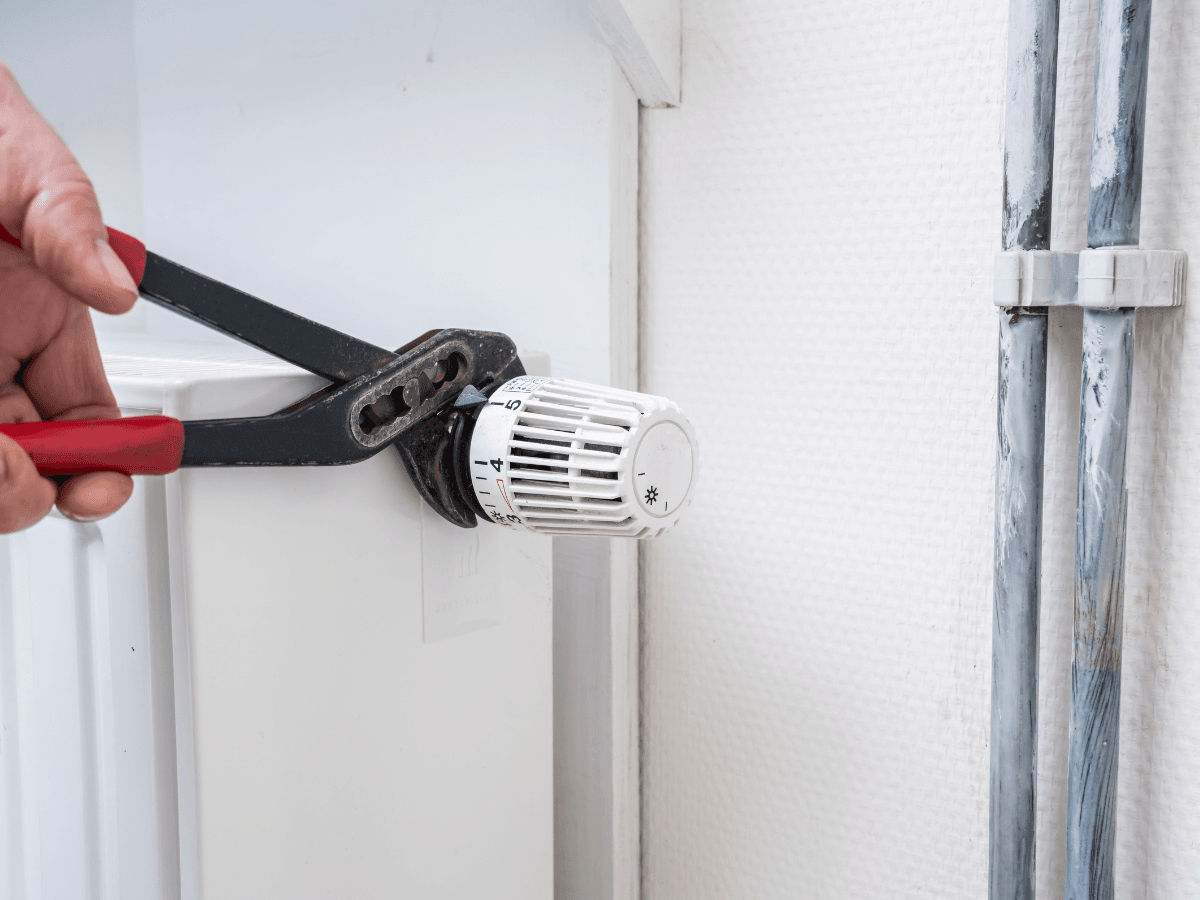
Once you’ve identified the source of the problem, the next step is deciding whether it can be repaired or if replacement is the better option.
Many cases of a thermostat not working are caused by simple issues that homeowners can safely address, while others involve electrical components or HVAC controls that should be left to a qualified technician. Knowing the difference can help you restore your system safely and avoid unnecessary repairs.
How to Replace Batteries and Address Minor Wiring Issues
For battery-powered thermostats, replacing the batteries is often the quickest and easiest fix. Weak batteries can cause blank displays, unresponsive controls, or intermittent operation. Even if the display is still on, installing fresh batteries is a worthwhile first step when troubleshooting.
If the thermostat is hardwired, a visual inspection may reveal loose terminal screws or disconnected wires. Before removing the thermostat cover, always switch off power to the HVAC system at the breaker to eliminate the risk of electrical shock.
If you notice damaged wiring, corrosion, or signs of overheating, it’s best to stop the inspection and have the system evaluated by an HVAC professional rather than attempting repairs yourself.
When Can a Thermostat Be Recalibrated?
If your thermostat consistently displays a temperature that doesn’t match the actual room conditions, recalibration may solve the problem.
Some digital thermostats include built-in calibration settings that allow small adjustments to improve accuracy, while others require professional servicing or replacement if the temperature sensor has failed.
Before making adjustments, compare the thermostat reading with a reliable room thermometer. If the difference is only slight, recalibration may restore normal operation.
Larger discrepancies or inconsistent readings usually indicate a faulty sensor or aging internal components that cannot be corrected through calibration alone.
What Maintenance Helps Prevent Future Thermostat Problems?
Many thermostat issues develop gradually and can be avoided through routine maintenance. Dust inside the thermostat housing, loose wiring, and neglected batteries can all interfere with normal operation over time.
Replacing batteries once a year, gently cleaning the thermostat with a soft brush or compressed air, and periodically checking that it remains level and securely mounted can help keep it operating accurately.
It’s also important to make sure furniture, curtains, or decorative items aren’t blocking airflow around the thermostat, as restricted airflow can affect temperature readings.
If your thermostat not working problem returns repeatedly despite basic maintenance and repairs, the thermostat may simply be nearing the end of its service life. At that point, replacing it with a modern digital or smart thermostat is often more cost-effective than continuing to repair an aging unit.
What Specific Issues Affect Smart Thermostats and How to Fix Them?
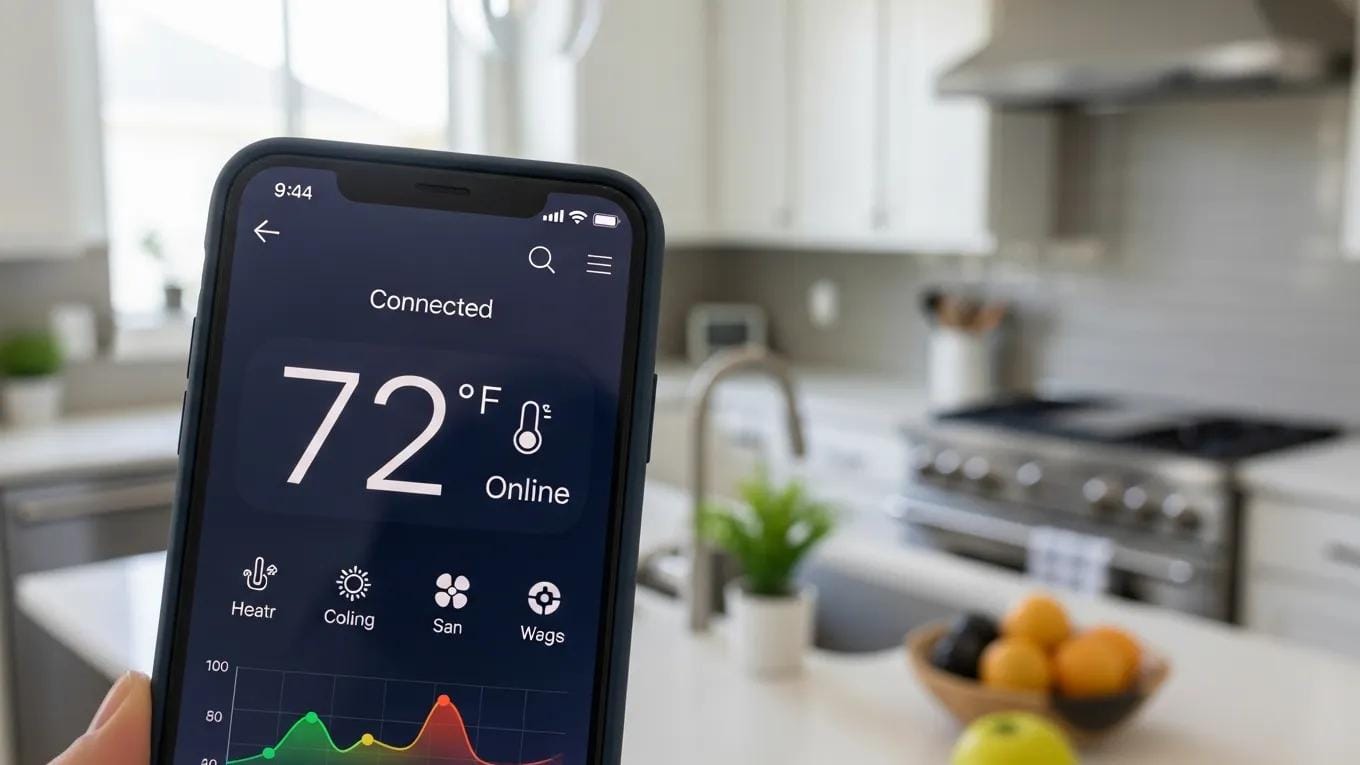
Smart thermostats offer greater convenience than traditional models, but they also introduce a new set of potential problems.
If your thermostat not working issue involves a Wi-Fi-enabled device, the cause may have nothing to do with the HVAC equipment itself. Instead, it could be related to your home network, mobile app, software, or cloud connection.
The good news is that many smart thermostat problems can be resolved with a few simple checks before calling for service.
How Can Connectivity Problems Affect Smart Thermostats?
A reliable internet connection is essential for many of the features that make smart thermostats convenient.
If the device loses its Wi-Fi connection, you may no longer be able to adjust temperatures remotely, receive maintenance alerts, or use voice assistants and scheduling features. In most cases, however, your heating and cooling system can still operate manually.
If your thermostat not working issue seems to be related to connectivity, first confirm that your home Wi-Fi network is functioning properly.
Restarting your router, reconnecting the thermostat to the network, or moving the router closer to the device can often restore normal operation. If your thermostat frequently disconnects, weak signal strength or outdated router settings may be contributing to the problem.
Why Do Smart Thermostat Apps Stop Working?
Sometimes the thermostat itself is functioning correctly, but the mobile app is not communicating with it. This can happen after an operating system update, changes to your home network, or temporary server outages.
Start by closing and reopening the app, then check whether an updated version is available. If the issue continues, signing out and back into your account or reinstalling the app may restore communication.
It’s also worth checking whether the manufacturer’s online services are experiencing temporary downtime, as this can prevent remote access even when your thermostat is operating normally.
Why Are Software Updates Important?
Like smartphones and computers, smart thermostats rely on software to function efficiently. Manufacturers regularly release updates that improve performance, add new features, strengthen security, and resolve known bugs.
If updates have been postponed for a long time, your thermostat may experience slower performance, connectivity issues, or compatibility problems with newer mobile devices. Keeping the software current helps ensure reliable operation and reduces the likelihood of unexpected glitches.
If problems continue even after updating the software and restoring the Wi-Fi connection, try restarting the thermostat according to the manufacturer’s instructions.
A factory reset may also resolve persistent software conflicts, although you’ll usually need to reconnect the device to your network and reconfigure your preferred settings afterward.
How to Integrate Thermostats With HVAC Systems for Optimal Performance
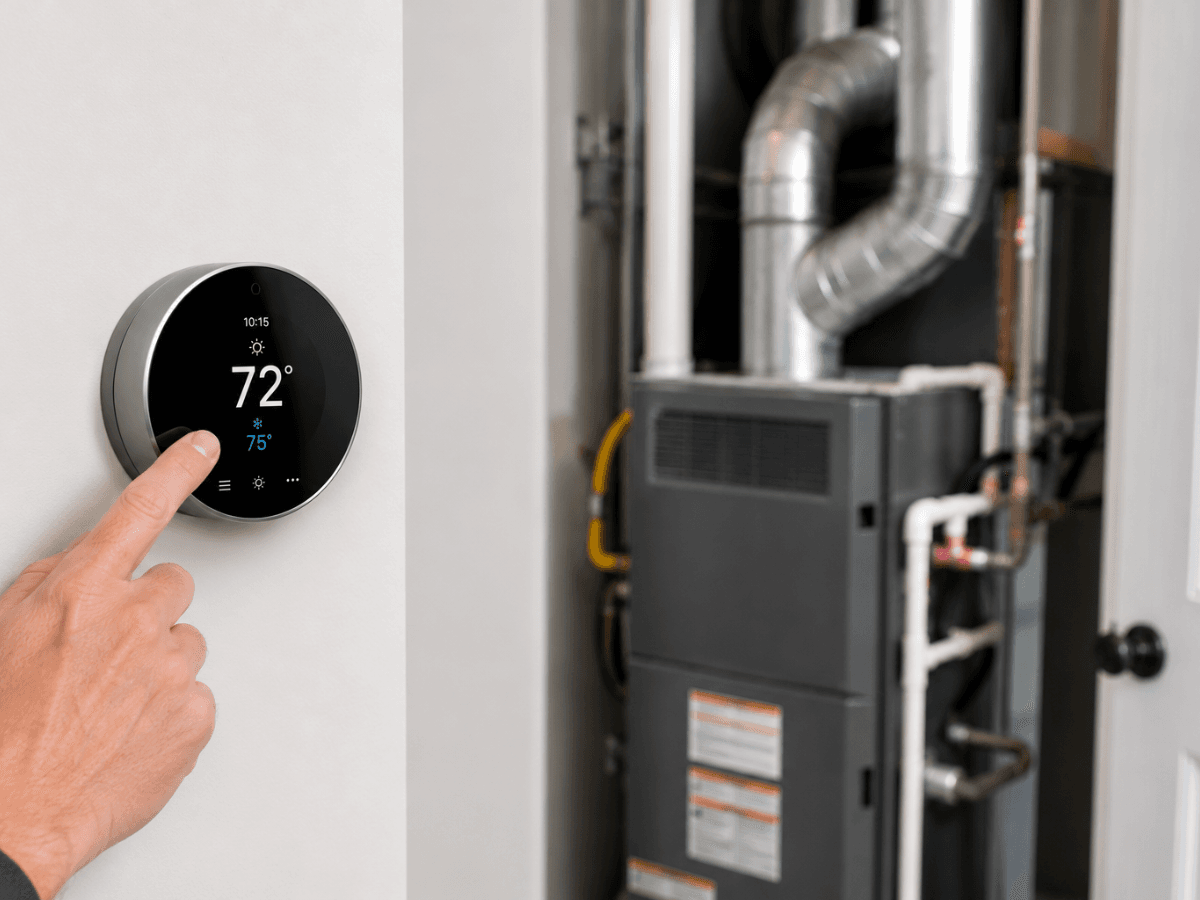
Even the most advanced thermostat will only perform as well as the HVAC system it’s connected to. Before installing a new thermostat or replacing an existing one, it’s important to confirm that the two are compatible.
A mismatch can lead to performance issues, inaccurate temperature control, or a thermostat not working as expected, even when the device itself is functioning properly.
Taking the time to match the thermostat to your heating and cooling equipment helps ensure reliable operation, better comfort, and improved energy efficiency.
What Are the Compatibility Considerations Between Thermostats and HVAC Systems?
Not every thermostat is designed to work with every HVAC system. Before upgrading, check whether your system uses a conventional furnace and air conditioner, a heat pump, multi-stage heating and cooling, or a zoned HVAC setup. Each configuration may require a specific type of thermostat and wiring arrangement.
It’s also important to verify the voltage requirements. Most residential systems use low-voltage thermostats, while electric baseboard heaters and some specialty systems require line-voltage models. Choosing the wrong type can prevent the system from operating correctly and may even damage the equipment.
How Can You Ensure a Successful Thermostat Installation?
Proper installation is just as important as choosing the right thermostat. Following the manufacturer’s wiring diagram, labeling existing wires before removal, and securely connecting each terminal can help prevent installation errors.
If you’re replacing an older thermostat, it’s also worth checking whether a common wire, often called a C-wire, is needed to power newer smart models.
After installation, test both the heating and cooling functions to confirm the thermostat is communicating correctly with the HVAC system. Verify that the fan responds appropriately and that the indoor temperature changes as expected after adjusting the settings.
What Should You Do If Compatibility Issues Occur?
If a newly installed thermostat isn’t working correctly, don’t assume it’s defective. Compatibility problems are a common cause of installation issues. Review the wiring configuration, confirm that the thermostat supports your specific HVAC system, and check whether any required adapters or additional wiring are needed.
When the cause isn’t immediately obvious, consulting an HVAC professional can save time and help prevent accidental damage to your equipment.
Properly matched components allow the thermostat and HVAC system to work together efficiently, delivering more consistent temperatures, lower energy use, and dependable long-term performance.
How to Maintain and Update Thermostat Systems for Long-Term Reliability?
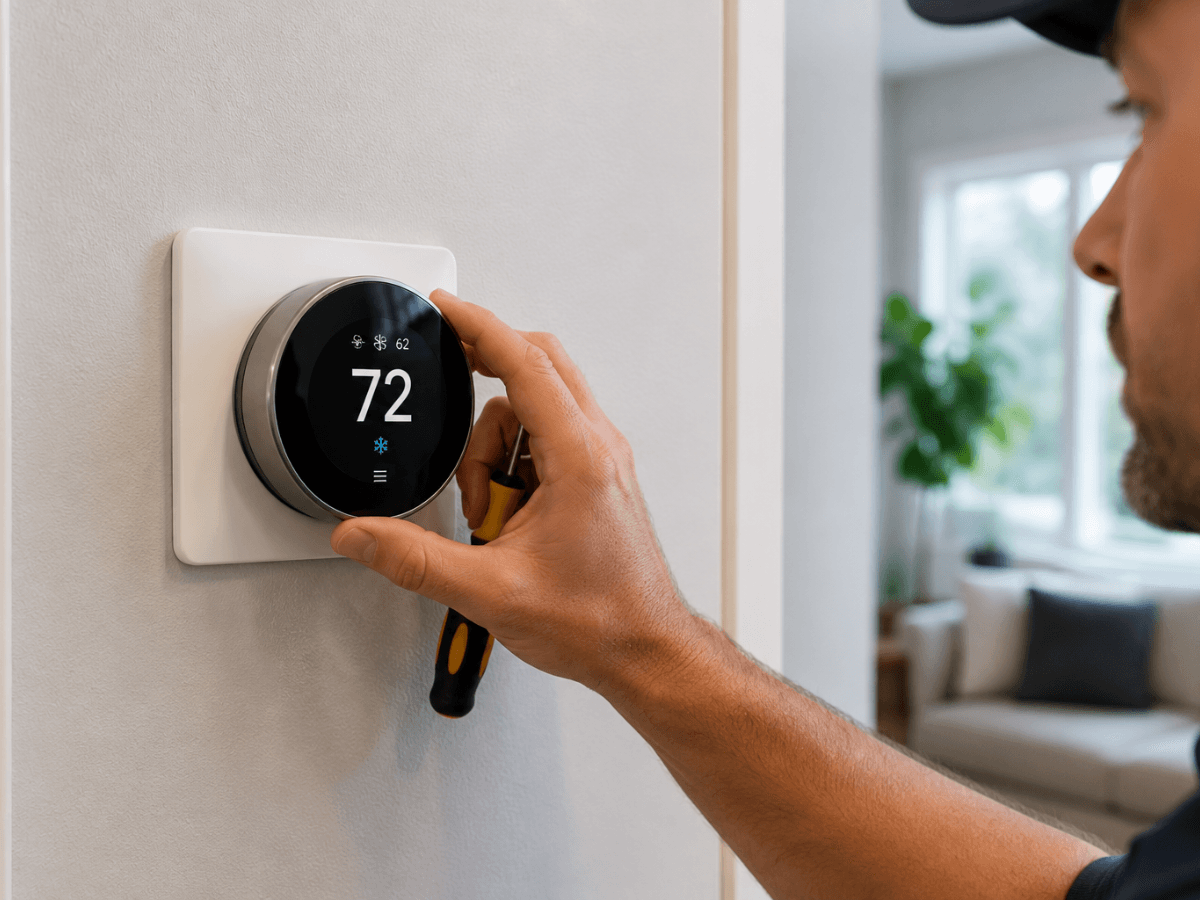
Fixing a thermostat once is helpful, but preventing future issues is even better.
Whether you have a basic programmable model or a smart thermostat, routine maintenance can improve performance, extend the life of your HVAC system, and reduce the chances of dealing with a thermostat not working when you need heating or cooling the most.
A few simple habits can make a noticeable difference. Replace batteries before they become fully depleted, keep the thermostat clean and free of dust, and verify that it remains securely mounted to the wall.
It’s also a good idea to compare the displayed temperature with a reliable thermometer once or twice a year to confirm the readings remain accurate.
Why Are Software and Firmware Updates Important?
If you use a smart thermostat, keeping its software up to date is just as important as maintaining the hardware. Manufacturers regularly release firmware updates that improve reliability, strengthen security, fix known bugs, and add compatibility with newer HVAC equipment or smart home devices.
Enable automatic updates if your thermostat supports them, or check periodically through the manufacturer’s app to make sure you’re running the latest version. These updates can help prevent connectivity issues and improve overall system performance.
How Can You Monitor Your Thermostat for Early Warning Signs?
Many thermostat problems develop gradually rather than appearing overnight. Paying attention to small changes can help you address issues before they become more serious.
For example, if your home takes longer than usual to reach the desired temperature, the thermostat display flickers occasionally, or heating and cooling cycles become inconsistent, it’s worth investigating before the problem worsens.
Routine HVAC maintenance also supports thermostat performance. During seasonal system inspections, ask your technician to verify that the thermostat is calibrated correctly and communicating properly with your heating and cooling equipment.
Common Thermostat Problems at a Glance
The table below summarizes some of the most common thermostat issues, their likely causes, and the first steps you can take to resolve them.
| Problem | Likely Cause | Recommended Solution |
|---|---|---|
| No heating or cooling | Power interruption, tripped breaker, or wiring issue | Check the power supply, batteries, and wiring connections |
| Inaccurate temperature | Calibration issue or poor thermostat placement | Recalibrate the thermostat and verify its location |
| Blank or flickering display | Dead batteries, power loss, or internal fault | Replace batteries and inspect the power supply |
| Smart thermostat connectivity issues | Weak Wi-Fi signal or outdated software | Restore the network connection and install available updates |
By following a consistent maintenance routine, you can reduce the likelihood of a thermostat not working unexpectedly and help your HVAC system operate efficiently throughout the year.
Proactive Thermostat Maintenance for Long-Term Reliability
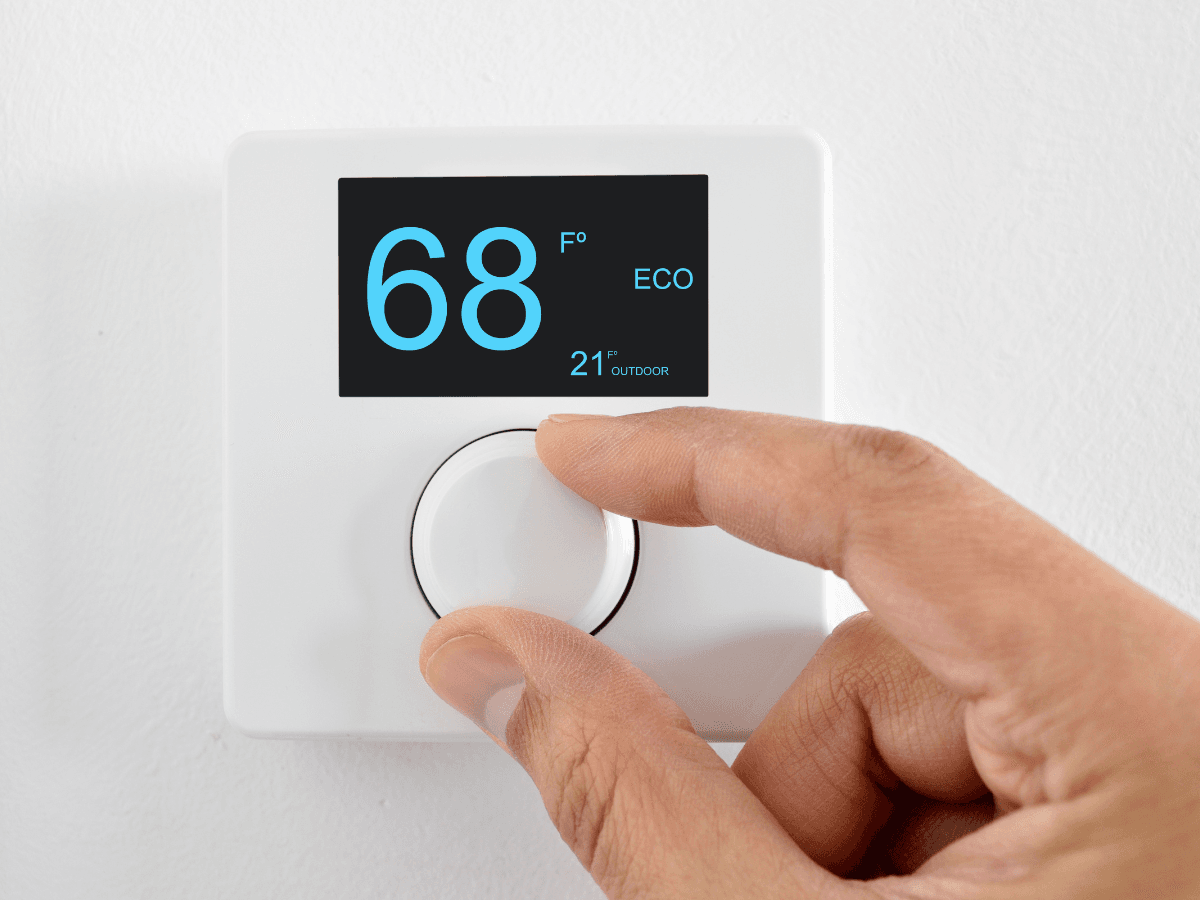
Even after learning the basics of thermostat diagnostics, many homeowners still have questions about what certain symptoms mean and whether they can resolve the problem themselves.
The answers below cover some of the most common concerns and can help you determine whether a simple adjustment is enough or if professional service is the better option.
If your thermostat not working issue continues after basic troubleshooting, the problem may involve the HVAC system rather than the thermostat itself.
Why Is My Thermostat Not Working and How Can I Fix It Quickly?
When a thermostat suddenly stops working, start with the simplest possibilities. Check that it has power, confirm the batteries are fresh if applicable, and make sure the display is active. Review the temperature settings and verify that the system is set to the correct heating or cooling mode.
If everything appears normal but your HVAC system still doesn’t respond, try resetting the thermostat according to the manufacturer’s instructions.
Many minor software or communication errors can be resolved with a restart. If the thermostat not working problem continues after these basic checks, a wiring issue or HVAC component may require professional diagnosis.
What Should I Do If My Thermostat Is Unresponsive?
An unresponsive thermostat with a blank or frozen display often points to a power interruption, drained batteries, or an internal electronic issue. Begin by replacing the batteries if your model uses them and checking that the circuit breaker supplying the HVAC system hasn’t tripped.
For smart thermostats, verify that the device has completed any recent software updates and hasn’t lost power due to a disconnected common wire. If the screen remains blank after these checks, it’s a good idea to have the unit inspected before attempting more extensive repairs.
How Can I Improve My Thermostat’s Performance?
Regular maintenance goes a long way toward preventing future issues. Keep the thermostat clean, avoid placing heat-producing lamps or electronics nearby, and make sure furniture or curtains aren’t blocking airflow around the device.
Periodically checking the settings and replacing batteries before they fail can also improve reliability.
If you’re still using an older manual thermostat, upgrading to a programmable or smart model may provide more accurate temperature control, improved energy efficiency, and additional features that make managing your home’s comfort easier.
Choosing a thermostat that’s compatible with your HVAC system will also help ensure dependable performance for years to come.
Conclusion
A malfunctioning thermostat can affect your home’s comfort, increase energy costs, and put unnecessary strain on your HVAC system if left unresolved.
While some issues can be fixed with simple troubleshooting, persistent problems may require professional diagnosis to restore reliable heating and cooling performance. Addressing thermostat concerns early can help prevent more expensive repairs and keep your system operating efficiently year-round.
For trusted HVAC service and expert support, choose CoolPro Heating & Cooling. If your thermostat isn’t working properly or your HVAC system needs professional attention, call 770-694-6232 to speak with the team at CoolPro Heating & Cooling or submit a service request today.